
In this guide
THE SHORT ANSWER
The essentials.
System Builder brings compatible configuration choices together in one place. Work through water setup, capacity, operator and reel options, then check the full specification and configured total before ordering.
KEEP THESE IN MIND
01
Start with your water supply and working requirements.
02
Check the complete specification as you change options.
03
Confirm installation and delivery arrangements before purchase.
GUIDE / 01
Gather the details that shape your system
System Builder is most useful when you know the work and vehicle it needs to support. Before starting, record your daily water use, incoming water quality, number of operators and available installation space.
Also note your existing equipment. If you intend to keep a pole, hose, battery or reel, confirm compatibility rather than assuming it can transfer to every new configuration.
- Exact vehicle model and available payload.
- Measured water use on typical and busy days.
- A suitable supply of purified water, or the need to produce it.
- Preferred reel position and hose exit route.
GUIDE / 02
Choose water setup and capacity separately
Delivery-only systems carry water purified elsewhere. DI systems use ion-exchange resin. RO/DI systems add membrane treatment before resin polishing. Compare running costs and production requirements for your actual supply.
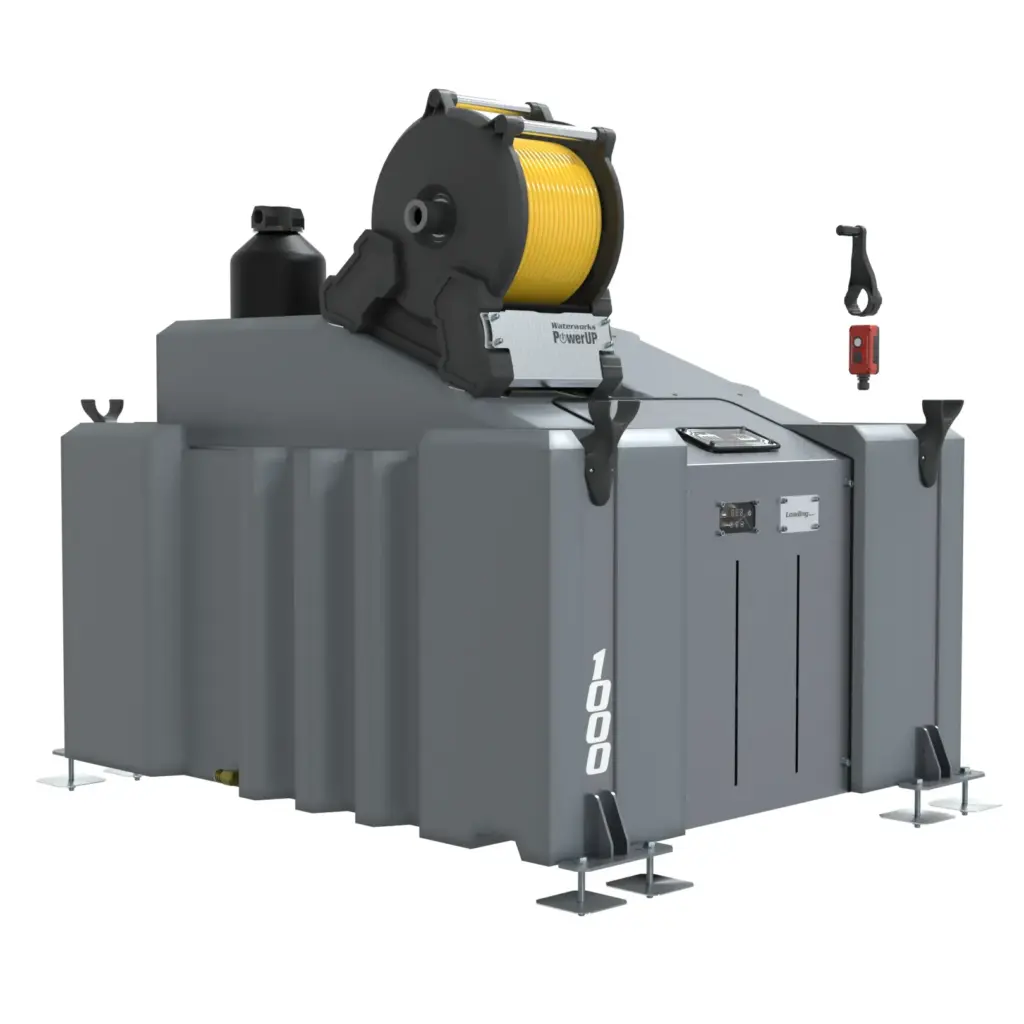
Then select tank capacity. Waterworks offers 500L, 750L and 1000L configurations, but the suitable choice depends on water demand and the complete vehicle load. A larger tank is not automatically an upgrade for every van.
GUIDE / 03
Configure the operator and reel layout
Choose the arrangement for the people who will actually work from the vehicle. Consider where each operator stands, how the hoses leave the van and how both lines can be managed at the same time.
Manual reels provide hand winding; electric reels provide powered retrieval. Look at winding direction and the access needed around the reel. Accessories should solve a specific routing or storage problem rather than simply fill every available option.
GUIDE / 04
Review the specification and total
- Work through the available choices and check the preview as you go.
- Read the selected specification, including hose, fittings and accessories.
- Review the configured total and its VAT treatment.
- Confirm the delivery or installation arrangement and any remaining work.
- Save or request a quotation if you need to compare the setup before ordering.
The preview helps explain the configuration; it does not replace a vehicle installation assessment. Availability and included parts are governed by the current product options and quotation.
GUIDE / 05
Ask for help with the parts that are uncertain
Send the team your vehicle details, incoming TDS, expected daily water use and any existing components you want to retain. A photograph of the available space can help explain access constraints.
Open System Builder when you are ready to configure your setup. For a capacity comparison first, read the 500L, 750L and 1000L tank guide.
YOUR QUESTIONS, ANSWERED
Questions and answers
Does the preview confirm that the system fits my van?
No. Check dimensions, payload, mounting and access for the exact vehicle and installation.
Are all accessories included?
Use the current configuration summary and quotation to confirm what is included. Optional items should not be assumed to be standard.
Can I compare more than one setup?
Yes. Record each specification and total so you compare the same capacity, filtration, reels and installation arrangements.
PUT THE ADVICE TO WORK
Your van. Your system. Your way.
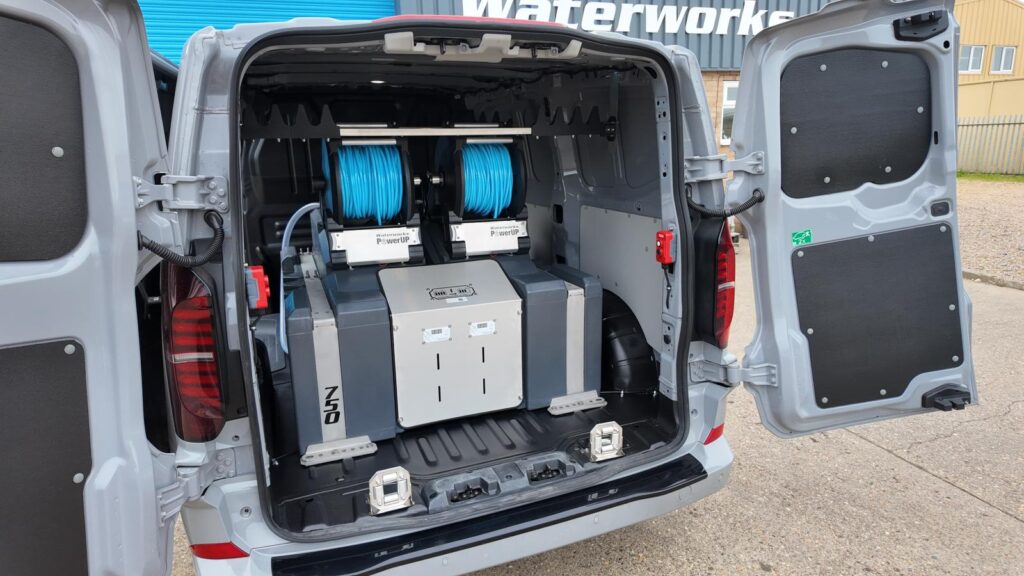
Compare the current options and specifications, then talk to the Waterworks team if you need help matching equipment to your round.
Build your system →FROM THE WATERWORKS TEAM
Practical equipment guides from Waterworks in Corby. For advice about your own configuration, contact the team.
YOUR NEXT READ
Keep building your knowledge.
KEEP READING
500L, 750L or 1000L: choosing your water tank
Read the guide →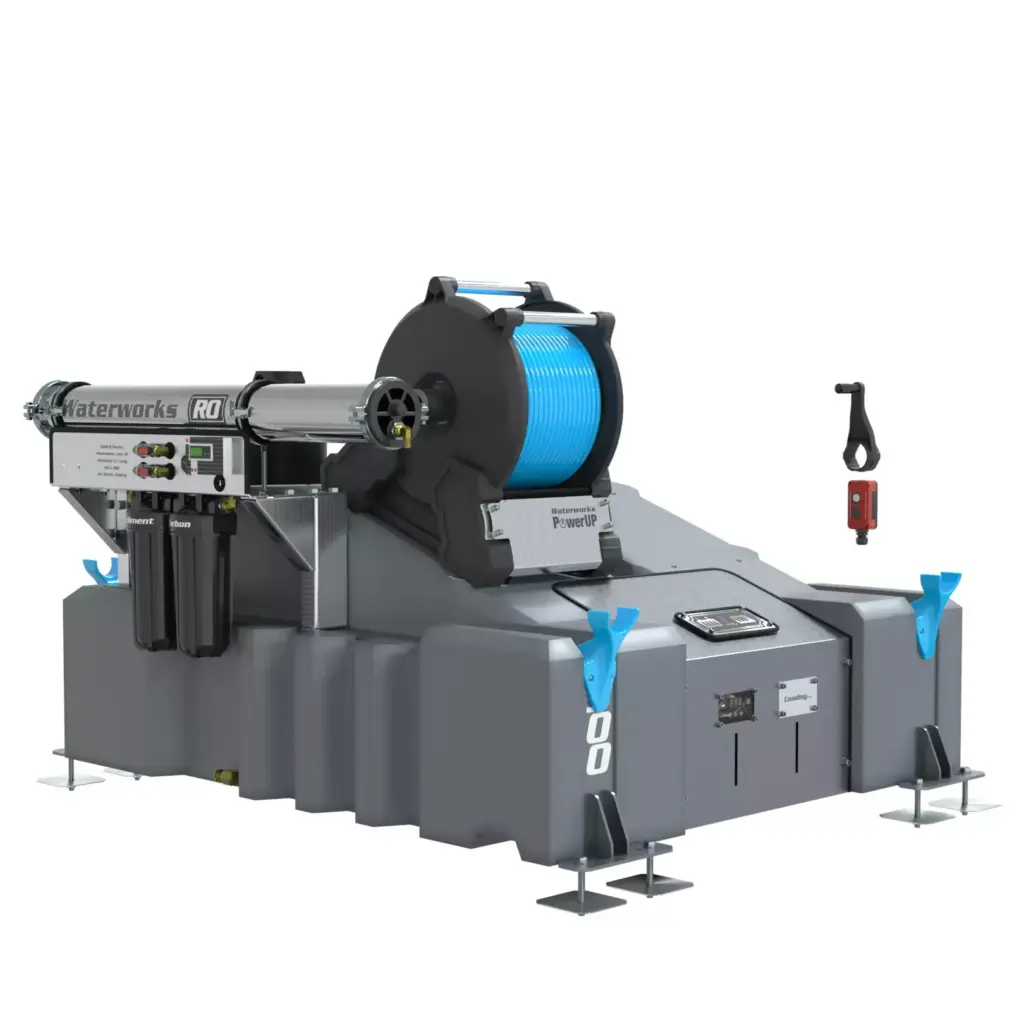
KEEP READING
RO vs DI: choosing a window cleaning system
Read the guide →KEEP READING